See what’s new in Trustifi for July and August 2026, from Collaboration Shield and the new Admin Center to smarter phishing detection, expanded security awareness training, and new capabilities for MSPs.
Trustifi shipped a wide range of new capabilities this summer, all centered on a common goal: helping organizations protect users, communications, and data while making security easier to manage.
The latest releases extend Trustifi protection beyond email, strengthen detection against increasingly sophisticated threats, give security teams more control over their environments, expand security awareness training, and make it easier for MSPs to manage protection across customers.
What’s New at a Glance
This summer, Trustifi introduced:
- Collaboration Shield to protect Microsoft Teams, OneDrive, and SharePoint
- A new Trustifi Admin Center for centralized administration
- Stronger AI-powered phishing, link, and account takeover detection
- More flexible ways to manage low-risk email
- Faster onboarding with automatic DNS configuration
- Expanded security awareness training including multilingual subtitles and linked quizzes
- More flexible eDiscovery searches and a new QRadar SIEM integration
- New capabilities that help MSPs manage security across customers at scale
Here’s a closer look.
Extend Protection Beyond the Inbox
Protect Microsoft Teams, OneDrive, and SharePoint with Collaboration Shield
Threats don’t have to arrive through email.
Attackers can distribute malicious links through Microsoft Teams, compromised accounts can share dangerous files through OneDrive, and sensitive information can be exposed through SharePoint.
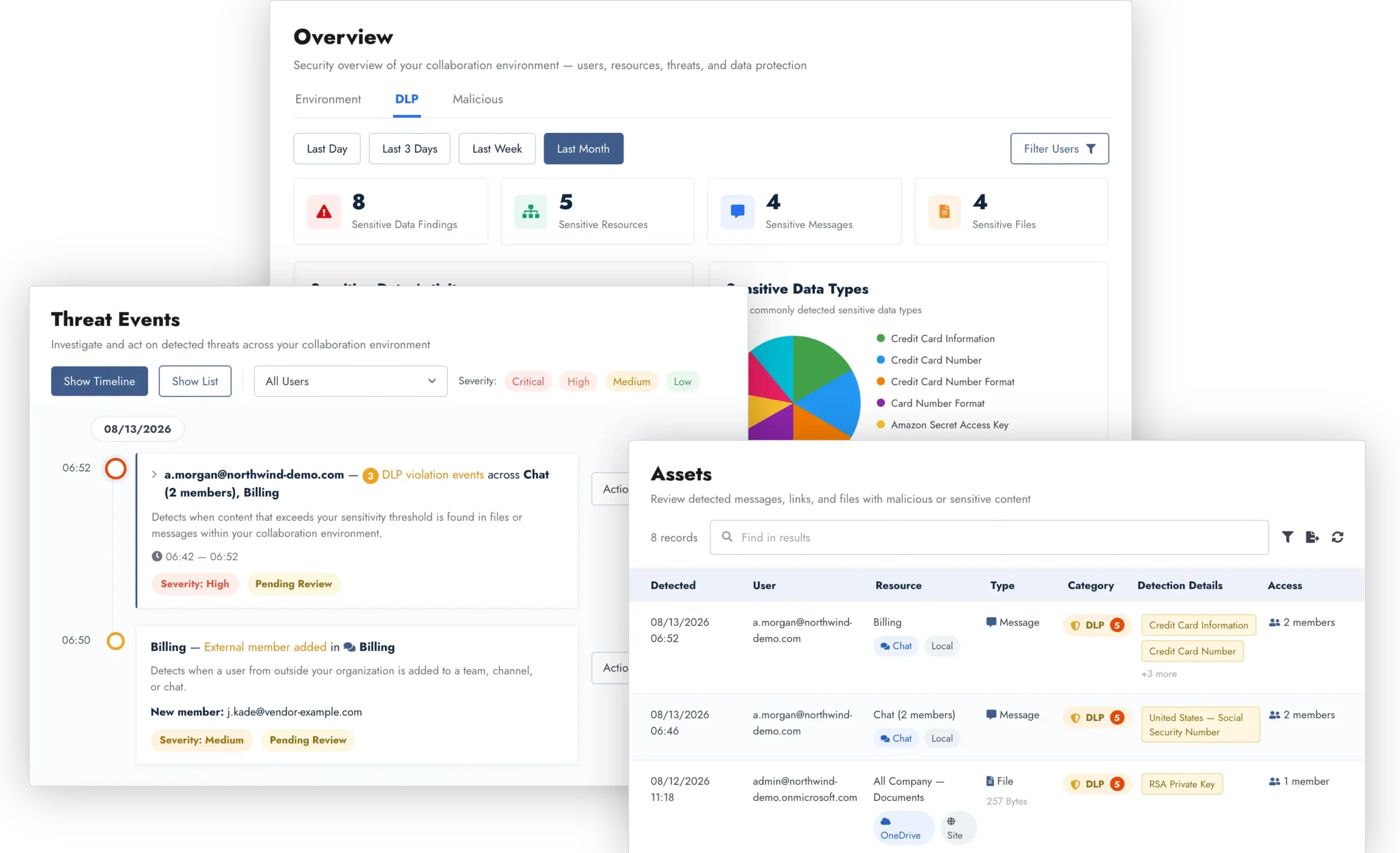
Trustifi Collaboration Shield extends protection across these Microsoft 365 collaboration tools, helping organizations detect malicious content and sensitive data wherever employees are communicating and sharing information.
Security teams gain visibility into risks across Teams, OneDrive, and SharePoint, and can take action directly at the source.
Learn how Trustifi Collaboration Shield extends security to Teams, OneDrive, and SharePoint.
Detect Smarter Threats
Attackers continue to evolve their techniques, from using generative AI to create convincing phishing messages to hiding malicious destinations behind complex redirects.
Trustifi has strengthened multiple layers of Inbound Shield to help organizations identify these threats more accurately while reducing unnecessary noise for security teams.
Identify More Sophisticated AI-Powered Phishing
Generative AI is making it easier for attackers to create polished phishing messages that look like routine business communications.
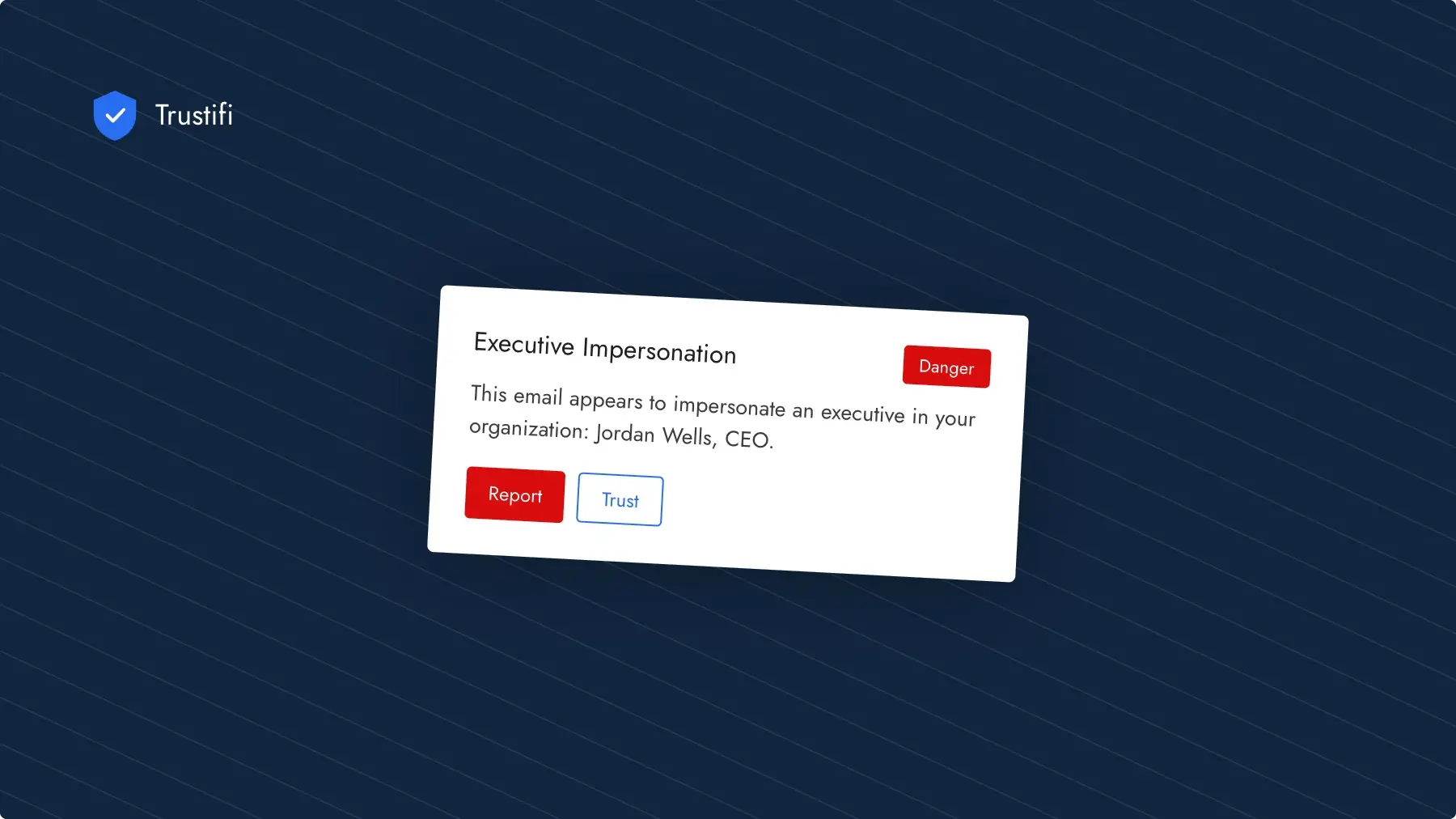
Trustifi has strengthened the phishing AI layer in Inbound Shield to improve detection of modern, AI-generated phishing attempts, including attacks disguised as invoices, document-sharing notifications, HR communications, shipping updates, and other legitimate-looking messages.
The enhancements improve detection accuracy while reducing false alarms on legitimate email.
See Through Evasive Phishing Links
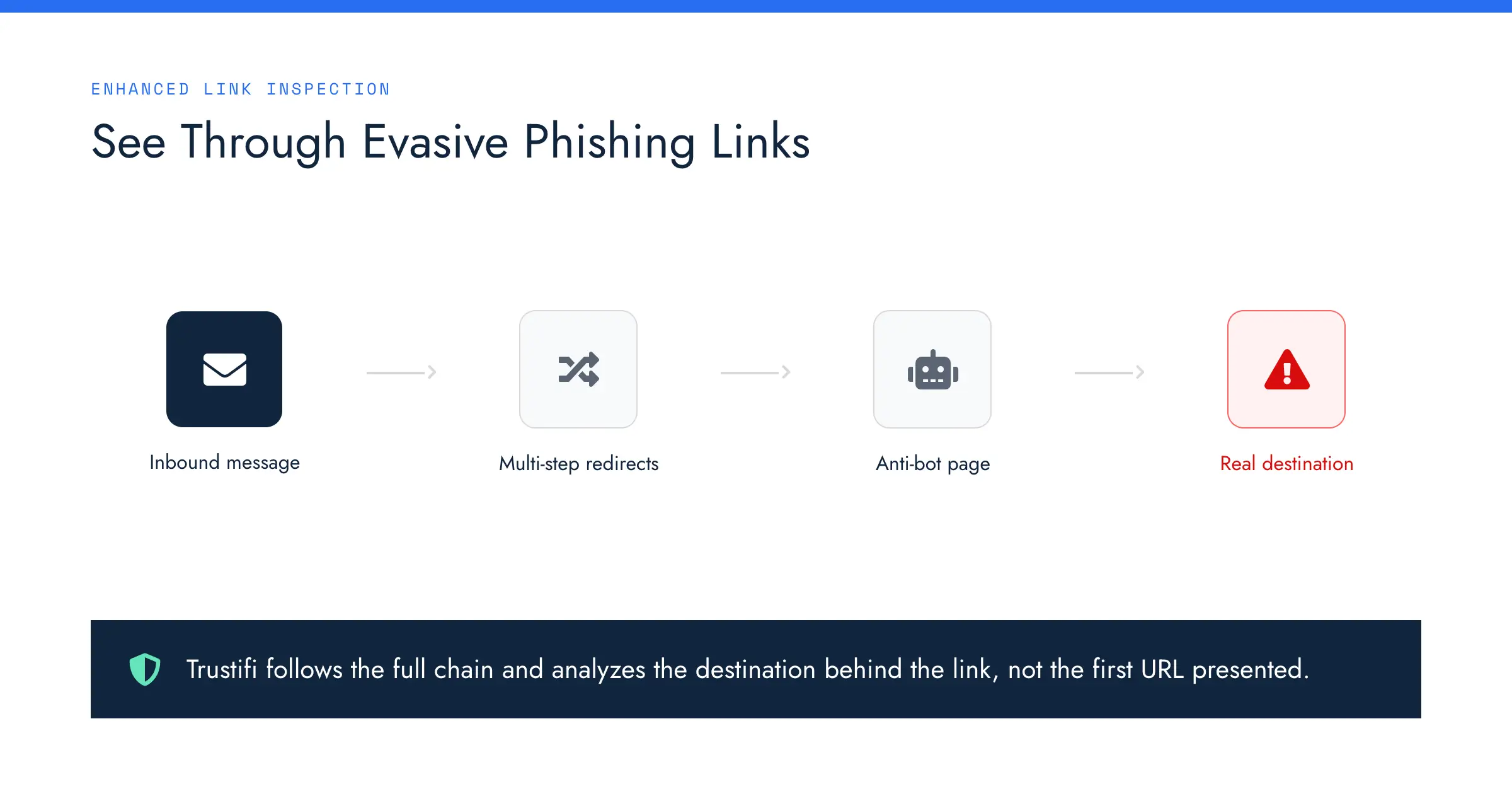
Attackers increasingly use multi-step redirects, anti-bot pages, and other techniques designed to hide malicious destinations from automated security tools.
Trustifi’s enhanced link inspection can more reliably follow these complex paths to analyze the real destination behind an obfuscated or evasive link, not simply the first URL presented.
Together with Trustifi’s enhanced phishing AI, these improvements strengthen Inbound Shield’s ability to identify sophisticated phishing campaigns while reducing unnecessary alerts.
Improve Account Takeover Detection
Trustifi has also strengthened Account Takeover Protection for Microsoft 365 and Google Workspace.
Enhanced detection helps identify suspicious sign-in and mailbox activity that may indicate a compromised account while filtering out more routine login activity.
The result: better visibility into potentially compromised users and fewer unnecessary alerts for security teams to investigate.
Simplify Security Management
Better protection shouldn’t mean more complexity.
Several of this summer’s releases are designed to make Trustifi easier to deploy, administer, and integrate into the workflows security teams already use.
Manage Trustifi from One Centralized Admin Center
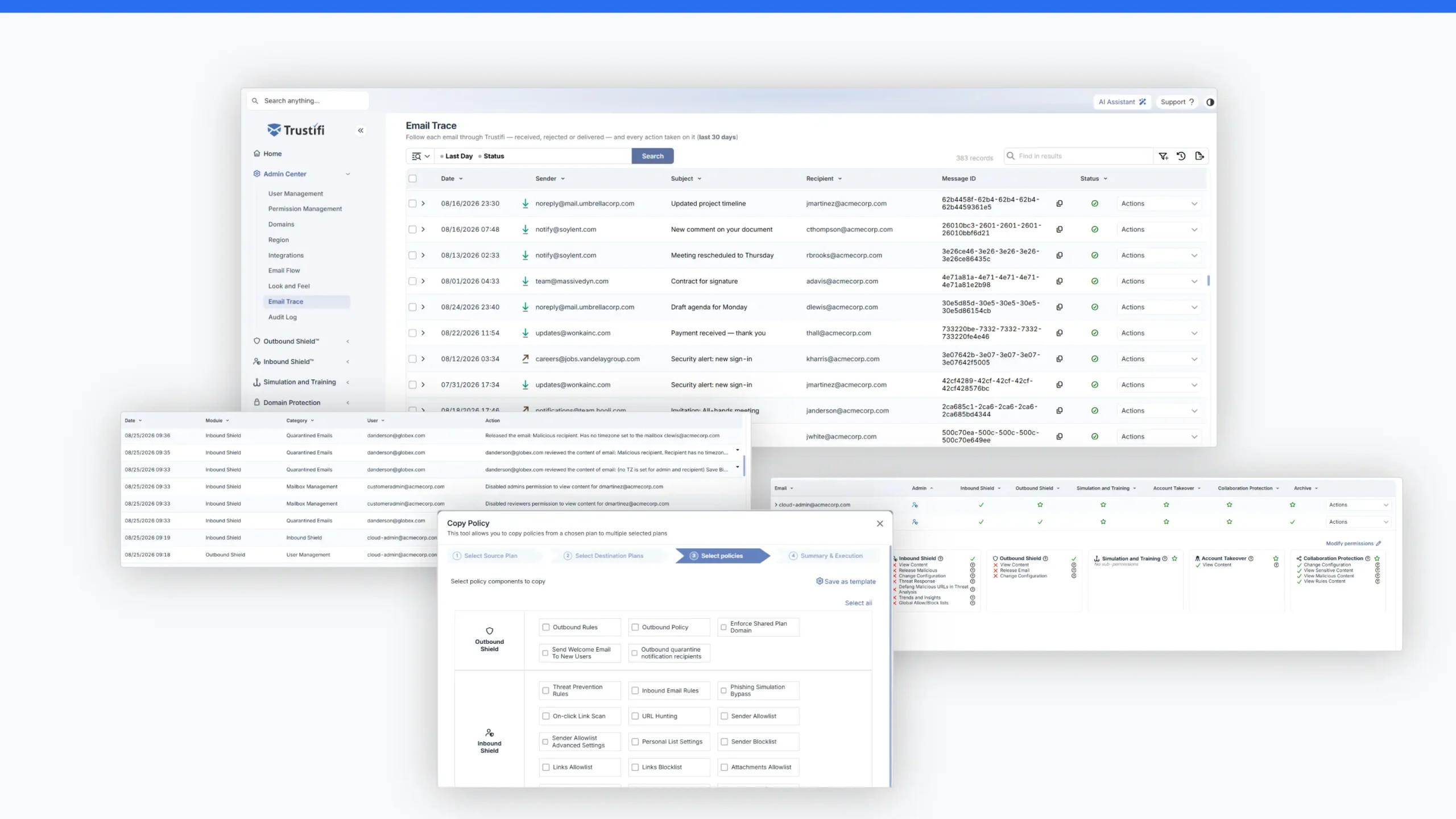
The new Trustifi Admin Center brings common administrative controls into one centralized experience, giving IT teams and MSPs an easier way to manage their Trustifi environments.
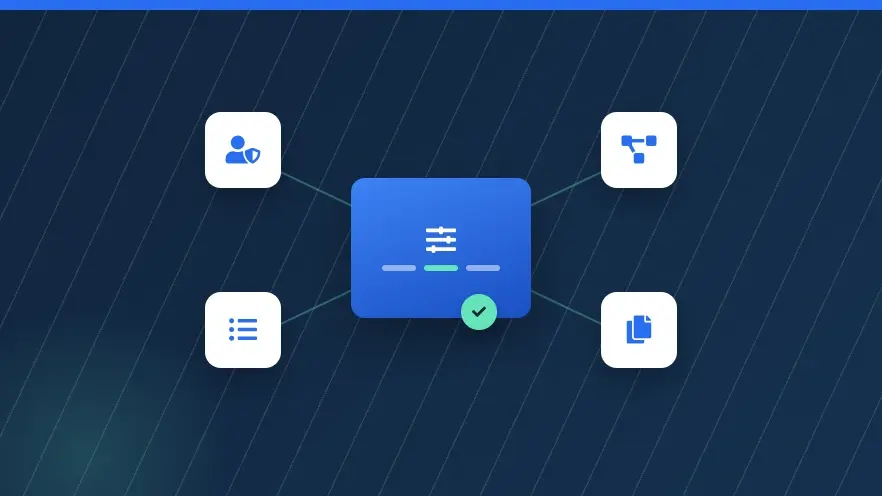
Admins can manage users and permissions, verified domains, integrations, data regions, branding, email activity, administrative activity, and more from one place.
New capabilities include:
- Permission Management for granular control over what different administrators can access
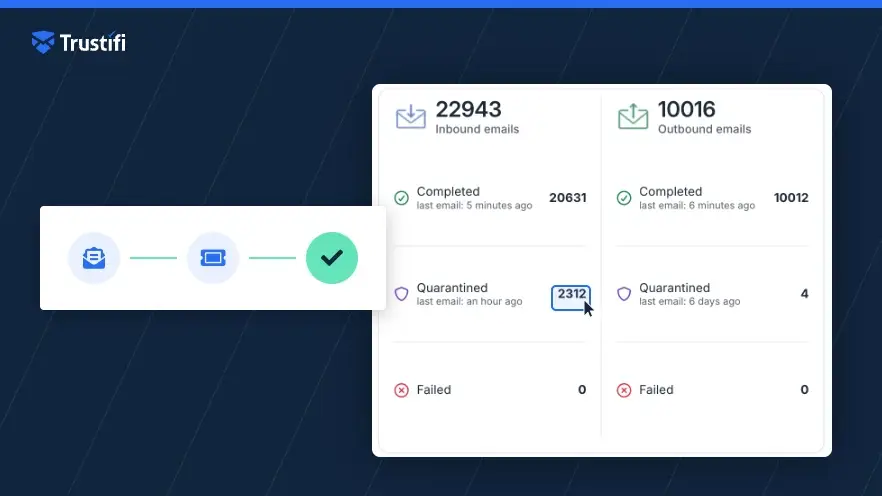
- Email Flow to visualize how inbound and outbound email moves through an organization’s actual Trustifi configuration
- Centralized visibility into permissions across managed environments
- Tools for applying configurations across plans to reduce repetitive administrative work
For organizations managing increasingly complex environments—and MSPs managing multiple customers—the Admin Center provides greater visibility and control without adding administrative overhead.
Explore the new Trustifi Admin Center and everything you can manage from one place.
Keep Low-Risk Email Accessible, Without Cluttering the Inbox
Quarantine isn’t always the right destination for every unwanted message.
Inbound Shield now lets administrators route Graymail to a dedicated folder in the recipient’s mailbox instead of quarantine.
Employees can still access the messages when they need them, while keeping them out of the primary inbox. Because the messages aren’t quarantined, organizations can also reduce unnecessary quarantine reports and release requests.
Admins can choose the folder name, and Trustifi automatically creates it if needed. The feature is supported for Microsoft 365 and Google Workspace plans using API integration.
Get Up and Running Faster with Automatic DNS Configuration
Trustifi can now automatically configure DNS records for supported leading DNS providers, eliminating much of the manual work involved in setting up a new environment.
Instead of copying DNS records one at a time, administrators can complete configuration faster and with fewer opportunities for setup errors.
For customers and partners, that means faster Trustifi onboarding and less time spent on initial configuration.
Build More Flexible eDiscovery Searches
Trustifi Archive Cases now support OR search conditions, giving legal, compliance, and eDiscovery teams more flexibility when searching archived email.
Administrators can choose between Match All (AND) and Match Any (OR) conditions. For example, a single case could identify messages sent from X, sent to X, or containing X while applying common date ranges, attachment requirements, compliance conditions, and exclusions.
That makes broader searches easier to build without creating and managing multiple separate cases.
Connect Trustifi Security Events to IBM QRadar
Organizations using IBM QRadar can now send Trustifi security events directly to their SIEM.
The integration brings Trustifi events into the centralized monitoring and investigation workflows security teams already use, providing a more complete view of security activity across their environment.
Strengthen Human Defense
Security awareness training is most valuable when organizations can deliver the right content to the right employees, and measure whether that training is working.
New Trustifi Simulation and Training capabilities make security awareness programs easier to localize, measure, and manage across organizations.
Deliver Training in More Languages
Training videos can now include subtitles in 15 languages, helping organizations deliver security awareness content to employees around the world.
Supported languages include English, Spanish, French, German, Portuguese, Italian, Dutch, Polish, Russian, Turkish, Hebrew, Arabic, Chinese, Japanese, and Korean.
The capability works with Trustifi’s built-in training videos as well as videos customers create or upload themselves. Trustifi AI can transcribe narration and automatically generate translated subtitles, allowing employees to choose their preferred language from the closed-caption menu.
Measure Understanding, Not Just Completion
Organizations can now attach security quizzes directly to training materials and define a required passing score.
After reviewing training content, employees can complete a linked quiz to demonstrate their understanding, with Pass/Fail results available in campaign reports and exports.
Security teams gain another way to measure whether employees are learning from training, not simply completing it.
Distribute Training Across Managed Customers
MSPs and partners can now distribute training content across managed plans through Trustifi’s Copy Policy workflow.
Partners can create training content once and roll it out across multiple managed tenants, helping maintain consistent security awareness programs without recreating the same materials customer by customer.
Built for MSP Scale
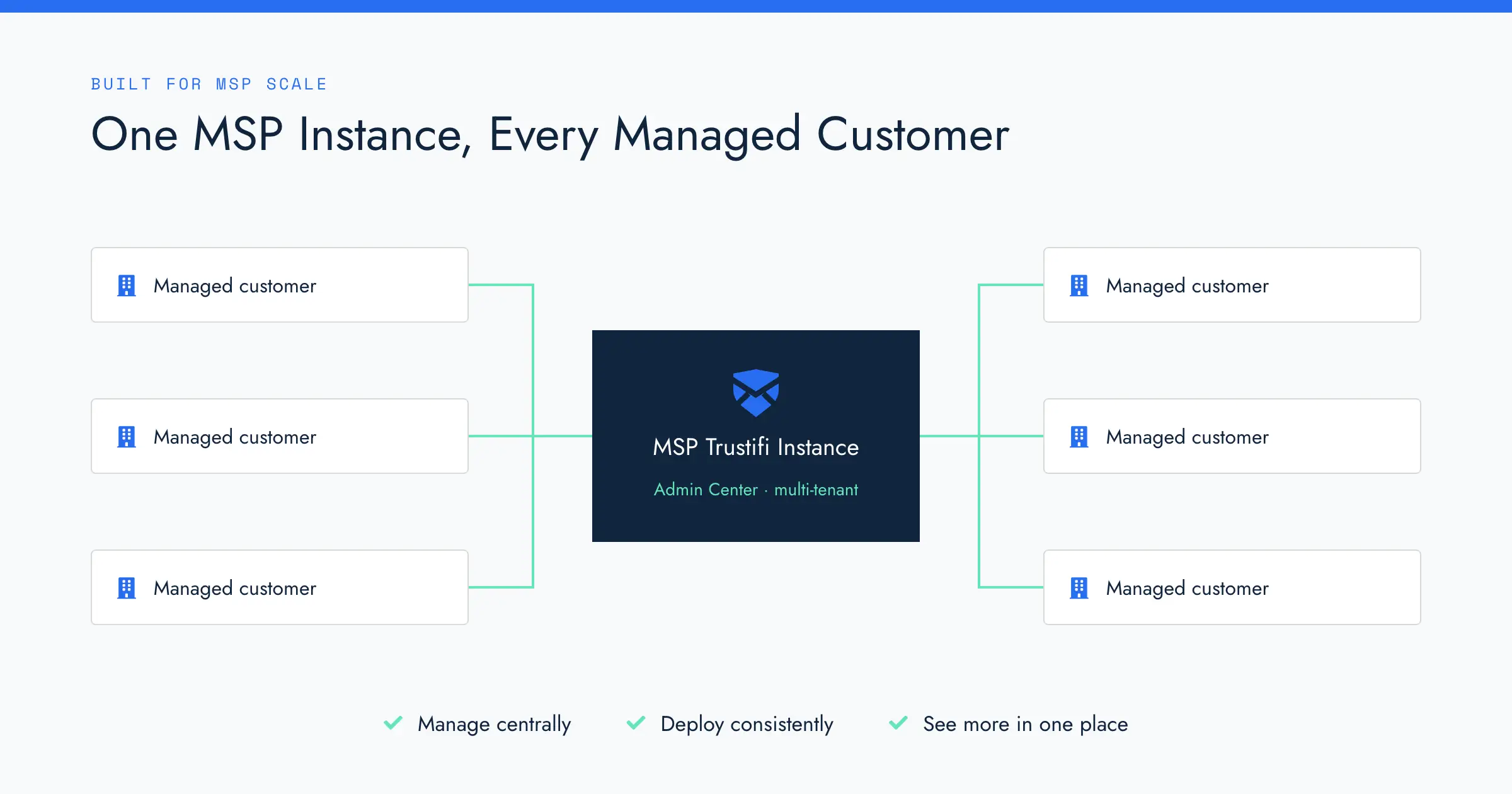
For MSPs and partners managing multiple customer environments, several of these releases work together to reduce repetitive administration and provide greater visibility across customers.
Partners can now:
- Manage centrally with new multi-tenant capabilities available through the Trustifi Admin Center
- Deploy consistently by distributing training materials and configurations across managed plans
- See more in one place with managed-plan data forwarding into the MSP’s own Trustifi instance
As the number of managed customers grows, these capabilities help MSPs scale protection without scaling administrative work at the same rate.
More Everyday Improvements Across Trustifi
Not every useful product update needs to be a major launch.
Trustifi also shipped smaller improvements designed to make everyday work faster and easier.
A refreshed Email Actions experience in Threat Prevention Rules makes the email-actions step of building a rule clearer and quicker to configure.
Customers will also notice a new look across the Trustifi web app, with a cleaner, more modern interface designed to make the platform easier to navigate while preserving familiar workflows and functionality.
More Protection. Smarter Detection. Simpler Management.
July and August brought significant expansion across the Trustifi platform, from protecting collaboration tools beyond the inbox to detecting sophisticated phishing attacks, simplifying administration, improving security awareness training, and helping MSPs manage protection at scale.
The individual capabilities solve different problems, but they’re part of the same goal: helping organizations protect users, communications, and data without adding unnecessary complexity for the teams responsible for security.
Trustifi customers can log in to explore the latest capabilities today.
Organizations looking to strengthen email and collaboration security can request a Trustifi demo to see the platform in action.