An unencrypted attachment, a compromised account, or a message sent to the wrong person can expose sensitive information in seconds.
Outbound email remains the most common channel for data leaks, and most of them are preventable. Choosing the right email DLP solution means understanding what these tools actually do, what to evaluate them on, and where they fit alongside the protections you may already have.
This guide is for the IT leader or security professional evaluating email DLP tools. Below you will find a plain-language definition of email DLP, how it works, what capabilities to look for, how third-party solutions compare to native Microsoft 365 and Google Workspace DLP, and where Trustifi fits into the picture.
What Is Email Data Loss Prevention (DLP)?
Email data loss prevention is a category of security technology that monitors, detects, and controls sensitive information leaving your organization through email. It prevents confidential data, such as personal identifiers, financial records, health information, and intellectual property, from being sent to unauthorized recipients, whether by accident or by intent.
DLP tools sit in the outbound email path. They inspect message bodies and attachments against policies you define, then take action (encrypting, blocking, quarantining, or flagging the message) before it reaches the recipient.
If you manage sensitive data in any regulated industry, email DLP is not optional. It is a core control for preventing data breaches and demonstrating compliance.
How Does Email DLP Work?
Email DLP solutions typically follow a three-stage process:
1. Content Inspection
The DLP engine scans outgoing email bodies, attachments, headers, and metadata. Advanced solutions use pattern matching (such as Regular Expressions for SSNs or credit cards), contextual analysis, and machine learning to identify sensitive data types such as Social Security numbers, credit card numbers, protected health information, and legal documents. Some solutions also apply
optical character recognition (OCR) to detect sensitive content embedded in images, screenshots, and scanned PDFs.
2. Policy Evaluation
The scanned content is evaluated against predefined rules and regulatory frameworks (e.g., HIPAA, PCI DSS, GDPR). Policies can be based on data type, sender department, recipient domain, file type, or a combination. For example, a policy might allow a physician to email patient records to an approved specialist’s domain but block the same records from being forwarded to a personal Gmail account.
3. Action Enforcement
Based on the policy match, the system takes action automatically. Common actions include encrypting the message, blocking delivery, quarantining the message for admin review, routing it to a manager for approval, or alerting the sender with a warning or user coaching prompt. The goal is to intervene before the message leaves your environment, not after.
Common Email Data Loss Risks Businesses Face
Every company leaks the same handful of ways. Some of it is carelessness. Some of it is theft.
- Messages sent to the wrong external contact
- Reply-all errors that expose sensitive conversation threads
- Unencrypted health records transmitted through unprotected channels
- Accidental attachment of confidential spreadsheets or blueprints
- Insider theft executed by departing staff members
- Compromised account activity funneling databases to remote servers
- Unapproved tools and workflows bypassing your corporate email gateway
- Account takeovers that weaponize legitimate addresses against partner networks
AI has made
phishing tactics much harder to spot. Once someone is inside a mailbox, they have your whole address book, and that is how a quiet breach turns into regulatory fines and disclosure obligations.
Large companies need rules that hold across tens of thousands of mailboxes. MSPs need something they can roll out the same way at every client.
Smaller companies tend to assume nobody is looking for them. Automated scripts scan the whole internet for an unprotected domain, so being small is not cover.
Supply chain attacks usually start with one compromised vendor mailbox and a convincing fake invoice. If nobody is watching outgoing and internal mail, it spreads straight down the chain.
What Should You Look for in an Email DLP Solution?

Use this as your checklist when you compare tools. Trustifi covers all five.
| Feature Category |
Business Value |
| Sensitive Data Detection |
Catches restricted content across all file types. |
| Real-Time Scanning and Enforcement |
Stops risky messages before they leave your environment. |
| Encryption and Secure Delivery |
Protects files in transit with no portal or key exchange required. |
| User Alerts and Admin Controls |
Warns staff and keeps admins in control. |
| Compliance Reporting |
Provides verifiable proof for compliance audits. |
Sensitive Data Detection
A DLP tool is only worth what it can recognize. It has to spot personal identifiers, financial records, contracts, customer lists, and internal memos across every file type your staff sends.
Advanced DLP solutions combine pattern matching with contextual analysis rather than relying on keywords alone. A DLP solution flags risky content
before it reaches an external recipient. You can set different rules for different departments.
Modern engines also run optical character recognition on images, PDFs, and screenshots, so sensitive data cannot be leaked via a captured image.
Real-Time Email Scanning and Policy Enforcement
Scanning has to happen before the message goes out. A post-delivery alert tells you what you lost, not how to prevent it. A robust DLP solution can encrypt, block, quarantine, or route a message to a manager without anyone pressing a button.
That covers the mistyped recipient address and the employee emailing the client list to themselves in their last week. Your security team stops chasing false alarms.
Encryption and Secure Delivery
Encryption matters most when the file is leaving the building. Look for solutions offering frictionless encryption that lets recipients open protected messages directly in Outlook or Gmail with no guest account, no portal, and no key exchange.
It’s crucial to have policies that can encrypt automatically when sensitive content shows up, so the sender never has to remember to, and if senders can get read receipts and access logs so you know when something was opened, with the ability to revoke access before a misdirected file is downloaded.
Trustifi’s
one-click encryption delivers all these capabilities.
User Alerts and Admin Controls
Admins need to see what is going wrong without reading every message. Detailed reporting on encrypted mail helps security teams identify the people whose habits keep tripping rules and deal with it before it becomes an incident.
For Managed Service Providers (MSPs), look for a multi-tenant console covering several client tenants at once, with universal rules pushed down to each.
When you compare tools, ask two questions: what does the sender actually see when a message is blocked, and how does an exception get approved? Those answers decide whether staff work with the tool or route around it.
Compliance Reporting
When the auditor asks, you need records. Look for message-level tracking, including the ability for senders to see in real time
when and where an email was opened, which files were downloaded, and which links were clicked. Comprehensive platforms log all audit data in one place, so you are not pulling evidence out of four disconnected tools.
Search isolates a compromised thread in seconds, which matters once a breach notification clock is running.
How Does Third-Party DLP Compare to Native Tools?
Both Microsoft 365 (through Microsoft Purview) and Google Workspace offer built-in DLP capabilities. Before investing in a third-party tool, you should understand what native DLP covers and where gaps typically appear.
Microsoft Purview DLP allows you to create policies that detect sensitive information types in Exchange Online, SharePoint, OneDrive, and Teams. It supports predefined sensitive information types, custom classifiers, and policy tips that warn users before sending.
However, Microsoft’s own documentation notes that Purview DLP is part of a broader compliance suite. It requires E5 or add-on licensing for advanced features, and policy configuration can be complex for organizations without dedicated compliance staff.
Google Workspace DLP provides content scanning rules for Gmail and Drive. Administrators can set rules to detect content matching predefined detectors or custom regular expressions. Google’s DLP is more limited in scope, particularly for attachment inspection and advanced contextual analysis, as noted in Google’s DLP documentation.
Where third-party email DLP tools add value:
- Advanced AI and contextual detection that goes beyond pattern matching
- One-click encryption that does not require recipient portals or key exchanges
- Unified inbound and outbound protection in a single console
- Pre-built compliance templates for HIPAA, PCI DSS, FINRA, CJIS, and other frameworks
- Multi-tenant management for MSPs serving multiple client environments
- Faster deployment through API connectors rather than MX record changes
If your organization already runs Microsoft 365 E5 or Google Workspace Enterprise and has staff to manage native DLP policies, you may get baseline coverage. A third-party solution becomes important when you need deeper detection, easier encryption, multi-tenant support, or consolidated compliance reporting across both inbound and outbound email.
How Trustifi Approaches Email DLP
With the evaluation criteria and native DLP context above as background, here is how Trustifi’s platform maps to those requirements.
Trustifi provides outbound data loss prevention as part of its Outbound Shield product, a unified engine that also includes DLP, email encryption, data tokenization, compliance management, MFA for recipient authentication, secure storage and backup, and tracking with postmark proof. The platform integrates with Microsoft 365 and Google Workspace through
API-based connectors that do not require MX record changes.
Trustifi’s DLP engine uses machine learning to
scan outgoing email bodies and attachments before delivery. It applies contextual analysis and OCR to detect sensitive content across text, images, and scanned documents. Depending on the policy match, a flagged message is encrypted, blocked, or quarantined.
The same platform handles
inbound threat defense through Inbound Shield, which means a compromised account that tries to exfiltrate data through outbound email is covered by the same engine that monitors incoming phishing and impersonation attempts.
Why Trustifi Is a Strong Fit for Regulated Businesses
Every regulated industry carries its own reporting obligations. Trustifi provides pre-built compliance policy templates designed for specific regulatory frameworks, reducing the configuration burden on your compliance team.
Healthcare
Trustifi’s DLP and encryption tools support HIPAA requirements for protecting electronic protected health information (ePHI) in transit. The encryption workflow is designed so clinical and administrative staff can send protected messages without disrupting patient care.
Financial Services
Banks, investment firms, and insurance companies face overlapping requirements from FINRA, PCI DSS, SEC 17a-4, SOX, and GLBA. Trustifi’s
message-level tracking and audit logs support compliance reporting across these frameworks.
Legal
Law firms keep privileged case material encrypted in one click. Trustifi’s encryption does not require recipients to create accounts or exchange keys, which helps attorneys maintain privilege protections without requiring technical expertise or disrupting legal workflows.
Government
Government agencies secure citizen databases and interdepartmental memos. Trustifi’s platform supports CJIS requirements through built-in compliance controls and government-grade encryption. Because it is cloud-native, there is no hardware to procure or maintain.
Key Features Across Trustifi’s Email Security Platform
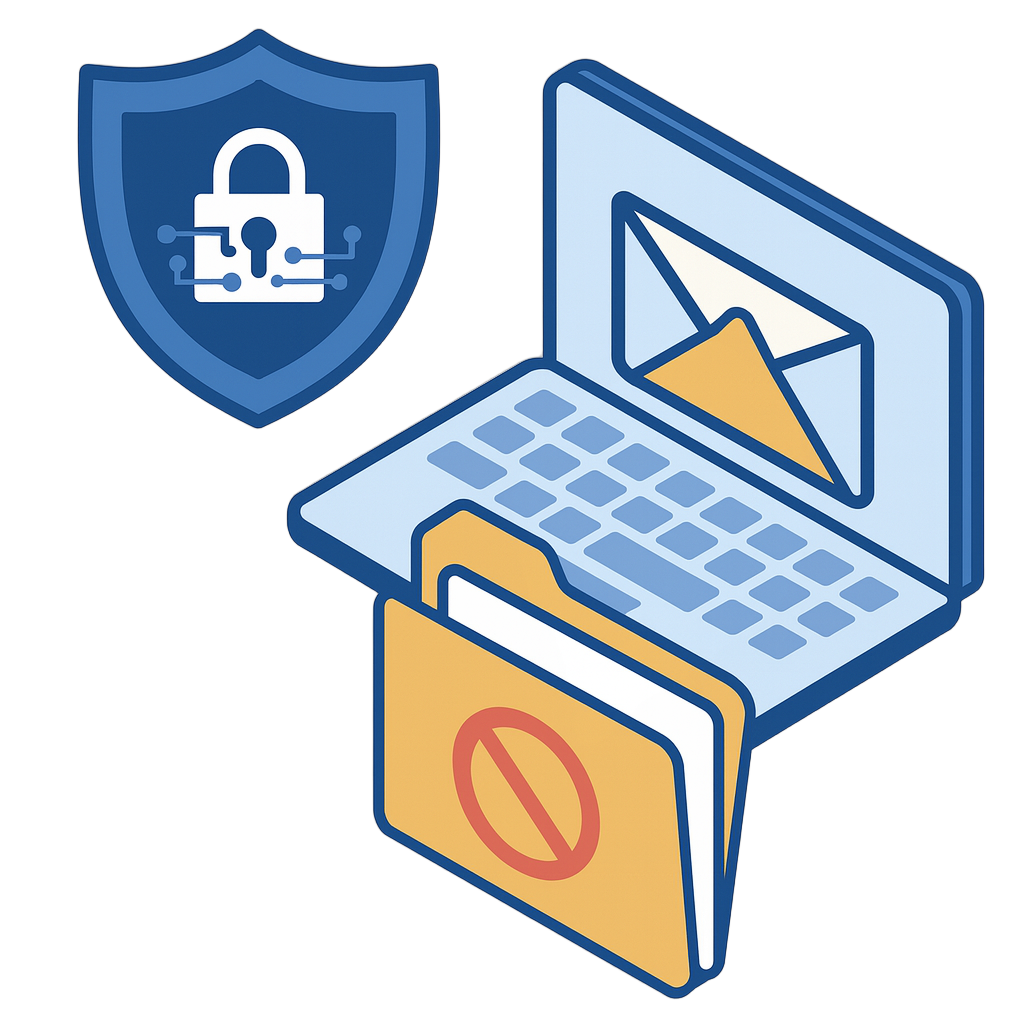 |
Trustifi sells one DLP engine, not several. It sits inside Outbound Shield, alongside the platform’s other outbound tools: email encryption, data tokenization, compliance management, MFA for recipient authentication, secure storage and backup, and tracking with postmark proof. You buy the shield, not the individual pieces.On the inbound side, Inbound Shield covers phishing, malware, spoofing, and impersonation. Account Takeover Protection and Archiving make up the rest of the range.
“My team is 100% responsible for all data… Trustifi delivered!” – Jacobb Sullens
GET A DEMO |
Strengthen Email Data Protection in 2026 with Trustifi
Choosing an email DLP tool means striking the right balance between security enforcement and daily usability. Trustifi maintains that balance with real-time scanning, automatic enforcement, and one-click encryption in one console.
You get a faster rollout, fewer support tickets about blocked attachments, and support for HIPAA, FINRA, PCI DSS, and CJIS compliance requirements.
Because Trustifi is cloud-native, your security team can deploy across the organization quickly without infrastructure changes.
Book a demo or talk to the Trustifi team to see how it fits your setup.
Frequently Asked Questions
What is email DLP?
Email data loss prevention (DLP) is a security technology that monitors outgoing email to detect and prevent sensitive data from being sent to unauthorized recipients. It works by scanning message bodies and attachments against policies you define, then automatically encrypting, blocking, or quarantining messages that violate those policies.
How is email DLP different from endpoint DLP?
Email DLP focuses specifically on data leaving through your email channel, while endpoint DLP monitors data movement across all channels on a device, including USB drives, cloud uploads, and printing. Most organizations need both, but email DLP addresses the single largest channel for accidental and intentional data leaks in business communication.
What does Microsoft 365 DLP already cover?
Microsoft Purview DLP provides policy-based sensitive data detection across Exchange Online, SharePoint, OneDrive, and Teams. It includes predefined sensitive information types and policy tips. However, advanced features require E5 licensing, and organizations often find that configuration complexity, limited encryption workflows, and lack of multi-tenant management create gaps that third-party tools are designed to fill.
Do recipients need an account to open encrypted emails from Trustifi?
No. Trustifi’s encryption allows recipients to open protected messages directly in their existing inbox without creating an account, logging into a portal, or managing encryption keys. This removes the friction that typically causes recipients to ignore encrypted messages.
How long does Trustifi take to deploy?
Trustifi connects to Microsoft 365 and Google Workspace through API-based connectors with no MX record changes required, which typically allows deployment without the delays associated with traditional email security gateways. Contact Trustifi for deployment timelines specific to your environment.
What compliance frameworks does email DLP support?
Email DLP tools can support compliance with HIPAA, HITECH, PCI DSS, FINRA, SOX, GLBA, CJIS, and various state and federal data privacy regulations. The degree of support depends on the vendor. Look for pre-built policy templates, message-level audit trails, and automated compliance reporting when evaluating tools.
Can email DLP stop insider threats?
Email DLP significantly reduces the risk of insider data theft by scanning all outgoing messages and enforcing rules that prevent unauthorized transmission of sensitive data. However, DLP is one layer of an insider threat program. It should be combined with access controls, user behavior analytics, security awareness training, and endpoint monitoring for comprehensive protection. No single tool eliminates insider risk.