Trustifi is introducing a new Move to Folder action for Inbound Shield, giving administrators another way to handle email based on how it is classified.
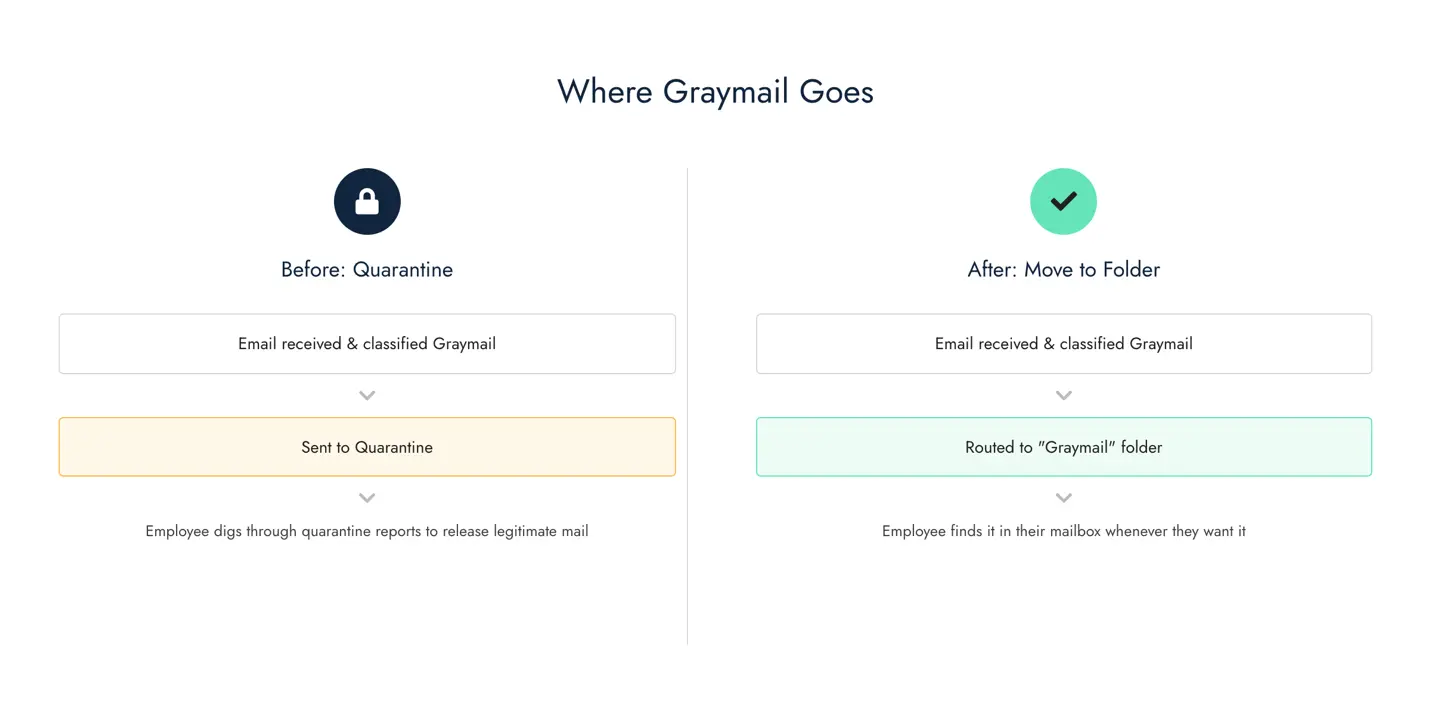
With Move to Folder, organizations can automatically route specific categories of email, such as Graymail, to a dedicated folder in the recipient’s mailbox. Employees can still access those messages when they need them, without lower-priority email cluttering the primary inbox or requiring users to retrieve legitimate messages from quarantine.
Give Every Message the Right Destination
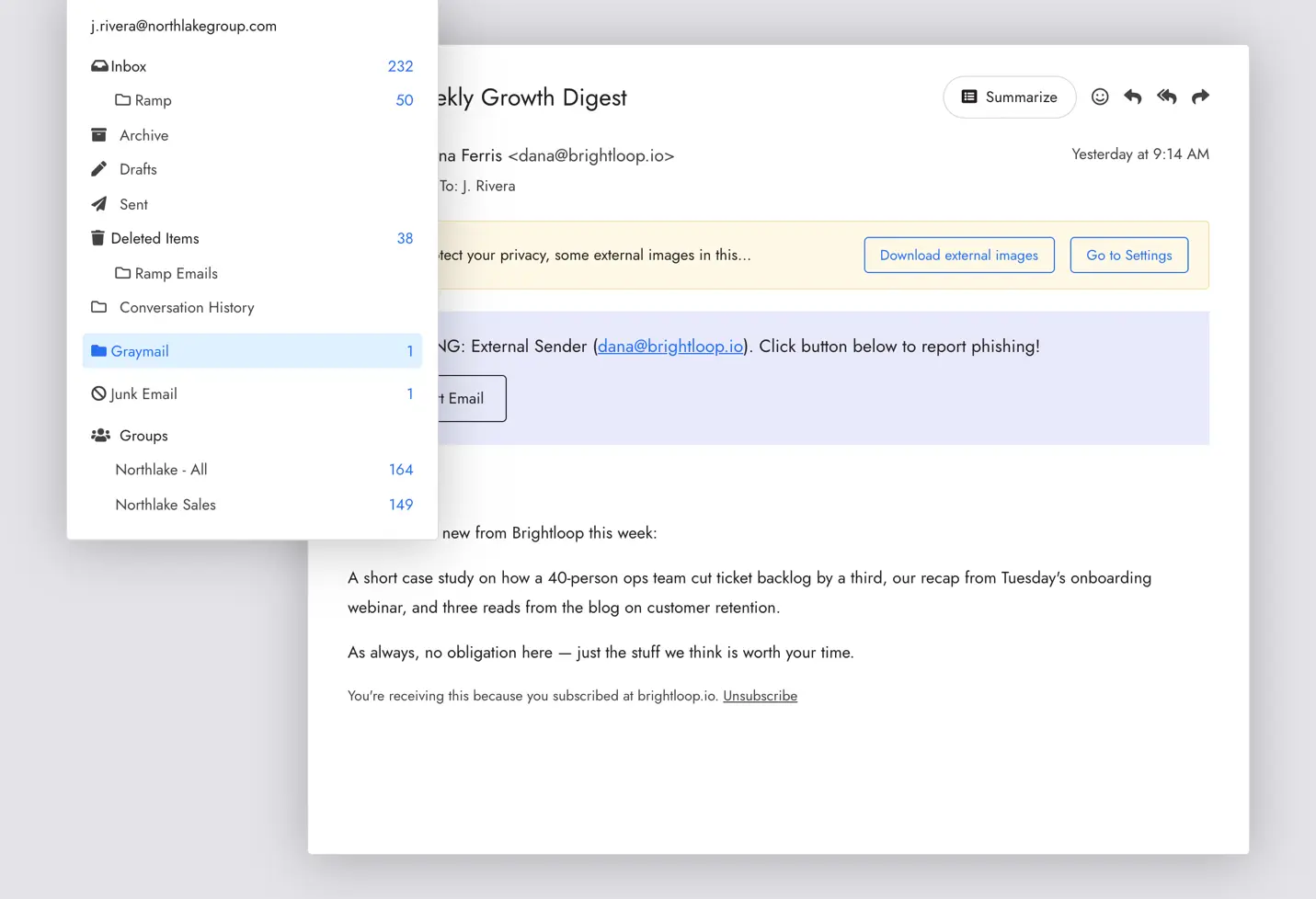
Administrators can select supported email classifications and automatically route matching messages to a dedicated folder.
For example, instead of quarantining Graymail, an organization could deliver it to a folder named Graymail, Promotions, or another name of its choosing. If the specified folder does not already exist in the recipient’s mailbox, Trustifi creates it automatically.
This gives organizations a useful middle ground between delivering email to the primary inbox and sending it to quarantine, while reducing unnecessary quarantine reports and release requests.
Simple, Automated Email Handling
Administrators can configure Move to Folder through Trustifi’s Threat Prevention Rules by selecting the email classification, choosing Move to Folder as the action, and specifying the destination folder.
The capability can also be used within Inbound Email Rules to move applicable messages to a designated folder. Once configured, Trustifi automatically routes matching messages to the appropriate destination.
Move to Folder is supported for Microsoft 365 and Google Workspace environments connected to Trustifi through the API.
Configuration Update Required
Before using Move to Folder, customers must update their existing configuration to support the new action.
Review the configuration guide for the required changes and step-by-step instructions.
Once the configuration update is complete, administrators can begin using Move to Folder to keep primary inboxes more focused while giving employees easy access to the legitimate email they may still want to review.
Review the Move to Folder configuration guide to get started.